



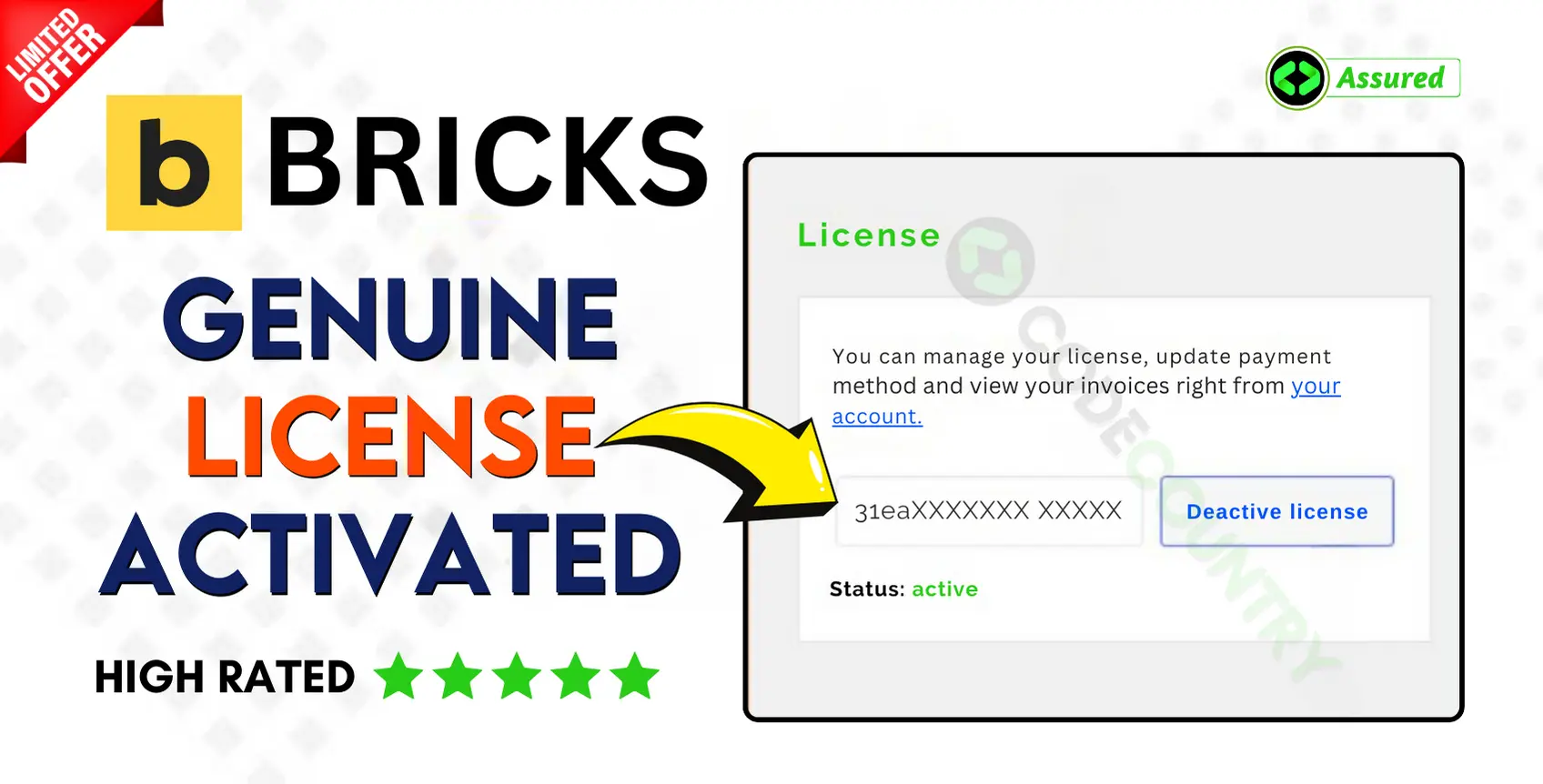


Bricks Builder With Original License Key For 1 Year Auto Update.
$14.90
| Features | Values |
|---|---|
| License: | 100% Genuine Guarantee |
| Delivery: | Between 2 to 12hrs. |
| GPL/Nulled: | No, It’s 100% Original |
| Premium Support: | Yes |
| Update: | 1 Year Directly In Your WordPress Dashboard. |
| Activation: | 1 Website |
18
Items sold in last 3 minutes
101
People watching this product now!
Description
Bricks Theme Builder With Original License Key For 1 Year Auto Update Directly In Your WordPress Dashboard. The visual site builder that grows with you. Meet Bricks. An innovative, community-driven, visual site builder for WordPress. Empowering you to design unique, performant, and scalable websites. Code-free.
Bricks Theme Builder With Original License Key Features.
- 100% Genuine License Guarantee.
- Delivery Between 2 to 12hrs.
- Create Account on CodeCountry.net After Purchase.
- No GPL Or Not Nulled.
- Installation Support and Guide by CodeCountry.net
- 1 Year Premium Support by Bricks Theme Builder.
- Update Directly In Your WordPress Dashboard.
- 1 Website Activations For 1 Year.
Bricks Theme Builder With Original License Key Features.
🌟100% Genuine Guarantee And Malware Free Code.
⚡Note: Please Avoid Nulled And GPL WordPress Theme/Plugin.
Reviews (0)
Only logged in customers who have purchased this product may leave a review.
Installation Process


Certification












Reviews
There are no reviews yet.