


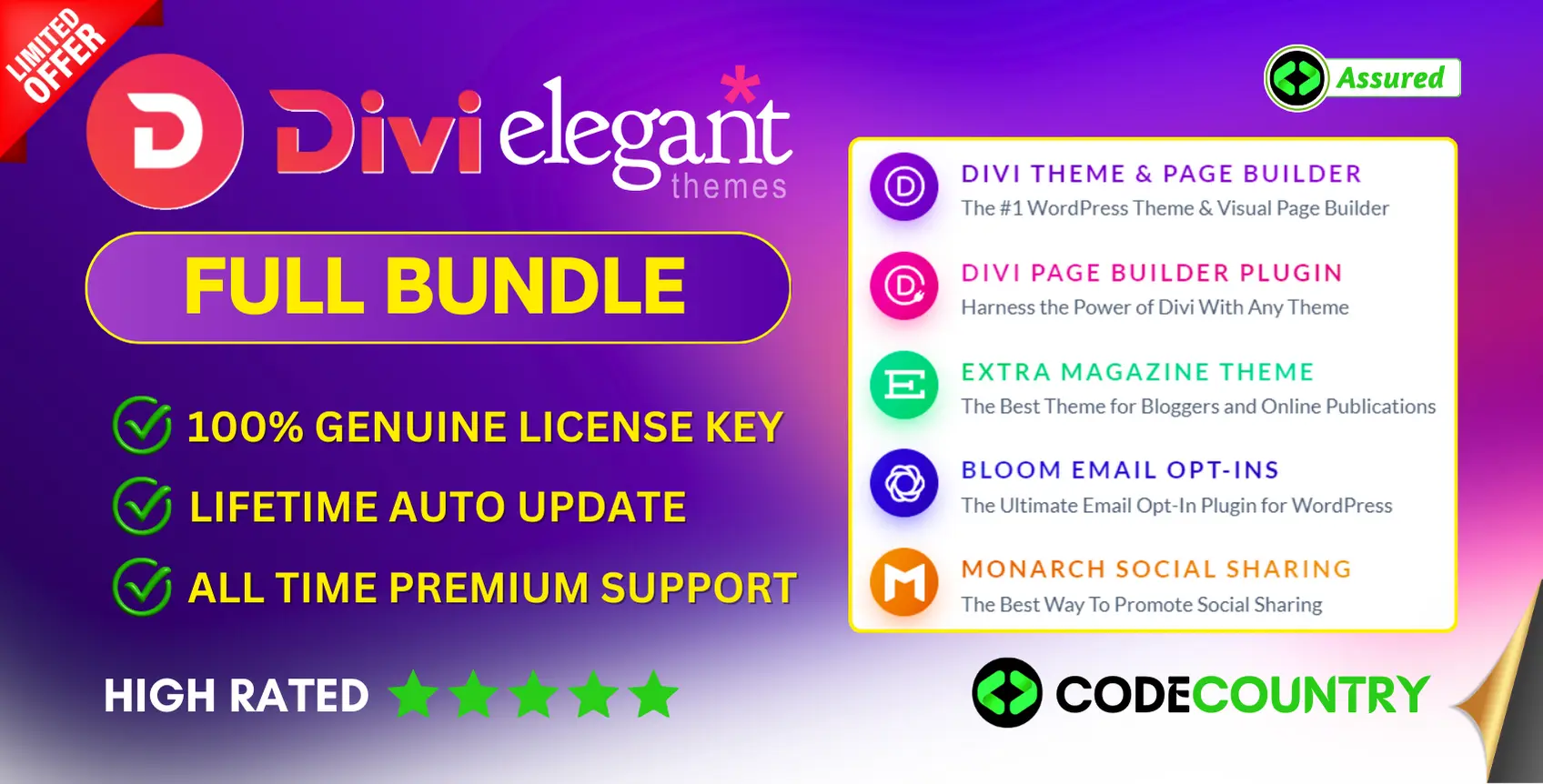
Divi Full Bundle With Original License Key For Lifetime Auto Update.
$15.90
| Features | Values |
|---|---|
| License: | 100% Genuine Guarantee |
| Delivery: | Between 2 to 12hrs. |
| GPL/Nulled: | No, It’s 100% Original |
| Premium Support: | Yes |
| Update: | Lifetime Directly In Your WordPress Dashboard. |
| Activation: | 1 Website |
Divi Full Bundle With Original License Key For Lifetime Auto Update Directly In Your WordPress Dashboard. The Most Popular WordPress Theme In The World And The Ultimate WordPress Page Builder. Divi is our flagship theme and visual page builder. It’s the most widely used premium WordPress theme in the world according to stats from BuiltWith.com. Divi is more than just a theme, it’s a website building framework that makes it possible to design beautiful websites without ever touching a single line of code and without installing and configuring dozens of disjointed plugins. We think this is the future of WYSIWYG and it’s unlike any WordPress theme you have ever used before.
Divi Full Bundle With Original License Key Features.
- 100% Genuine License Guarantee.
- Delivery Between 2 to 12hrs.
- Create Account on CodeCountry.net After Purchase.
- No GPL Or Not Nulled.
- Installation Support and Guide by CodeCountry.net
- Lifetime Premium Support by Divi Elegant Themes.
- Update Directly In Your WordPress Dashboard.
- 1 Website Activations For Lifetime.
Divi Full Bundle File Included.
- Divi Theme.
- Divi Page Builder.
- Divi Extra Magazine Theme.
- Divi Monarch Social Share Plugin.
- Divi Bloom Plugin.
🌟100% Genuine Guarantee And Malware Free Code.
⚡Note: Please Avoid Nulled And GPL WordPress Theme/Plugins.
Only logged in customers who have purchased this product may leave a review.











Reviews
There are no reviews yet.