


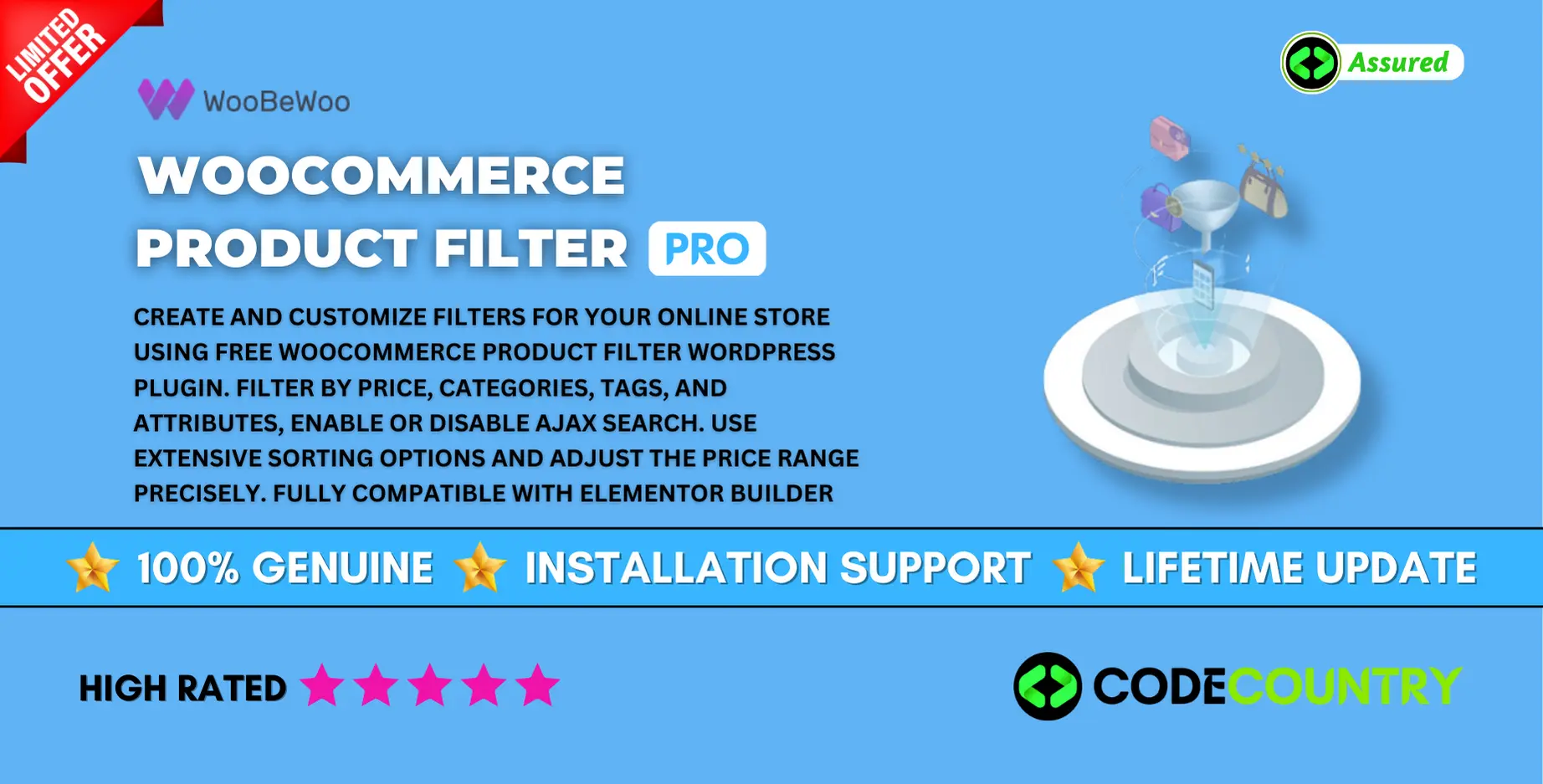
Woo Product Filter Pro With Lifetime Update
$6.90
Woo Product Filter PRO v2.3.0 With Free Lifetime Update
| Features | Values |
|---|---|
| Version | v2.7.2 |
| Last Update | March 2, 2023 |
| Documentation | Yes |
| All Premium Features | Yes |
| GPL/Nulled | No |
| Instant Installation Support | 24 Hrs. |
| Receive Updates on Email | Yes |
| Website Activation | 25 |
🌟100% Genuine Guarantee And Malware Free Code.
⚡Note: Please Avoid Nulled And GPL WordPress Plugins
15
Items sold in last 3 minutes
70
People watching this product now!
Description
Woo Product Filter Pro With Lifetime Update
Create and customize filters for your online store using Free WooCommerce Product Filter WordPress plugin. Filter by price, categories, tags, and attributes, enable or disable ajax search. Use extensive sorting options and adjust the price range precisely. Fully compatible with Elementor builder
Woo Product Filter Pro Free & Pro version
- Drag and drop builder
- Filtering by any parameter
- Unlimited number of filters
- Theme styles inheritance
- Customizable filter title and description
- Hidden, closed, opened filter label
- Checkbox, drop down, radio button lists
- Count and search displaying
- Hierarchical output of categories
- AJAX live search
- Display on mobile/desktop
- Variations for sorting
- Editable price range step
- Filter and block Width
- Filter icon and overlay
- Filter Block Height
- Clear all and Clear block buttons
- Customizable Loader icon
- Price filter skins
- Text, Buttons, Colors, Toggle Switch
- Checkbox list (multiple select)
- Show category image
- Single line and multiline Star rating
- Hide/Show Filters button
- Search text filter
- Custom styles for blocks, titles
🌟100% Genuine Guarantee And Malware Free Code.
⚡Note: Please Avoid Nulled And GPL WordPress Plugins
Reviews (1)
1 review for Woo Product Filter Pro With Lifetime Update
Only logged in customers who have purchased this product may leave a review.
Installation Process


Certification





Irwin –
Just love the design and the customer support is the nicest.