


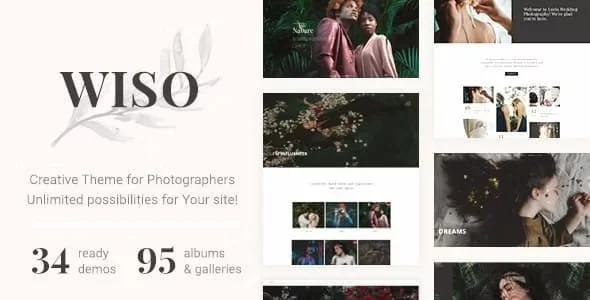
Wiso Photography With Lifetime Update.
$6.90
| Features | Values |
|---|---|
| Version | 1.7.5 |
| Last Update | 17 May 2024 |
| Premium Features | Yes |
| Instant Installation Support | 24 Hrs. |
| Scanned By Virus Total | ✅ |
| Live Preview | 100% Working |
20
Items sold in last 3 minutes
102
People watching this product now!
Description
WISO – Photography WordPress Theme
WISO is a creative photography WordPress theme perfect for photographers, creative agencies, weddings, fashion sites, and art blogs.
Key Features:
- Versatile Content: Includes albums, portfolios, galleries, events, fullscreens, proofing, and blogs.
- Fully Responsive: Ideal for mobile-friendly websites, ensuring every element looks amazing on tablets and mobile phones.
- Customizable: Features professionally designed templates and layouts for a responsive visual environment.
- Premium Plugins: Compatible with Appointment Booking, Contact Form 7, Google Maps, WP Bakery Page-Builder, Grid, Modern Event Calendar, and WooCommerce.
WISO makes it easy to upload and sell your photography, providing an exceptional experience for both you and your visitors. For more information, refer to the extensive theme documentation. Our tech support team is always ready to help with any issues!
🌟100% Genuine Guarantee And Malware Free Code.
⚡Note: Please Avoid Nulled And GPL WordPress Themes.
Reviews (0)
Only logged in customers who have purchased this product may leave a review.
Installation Process


Certification










Reviews
There are no reviews yet.