


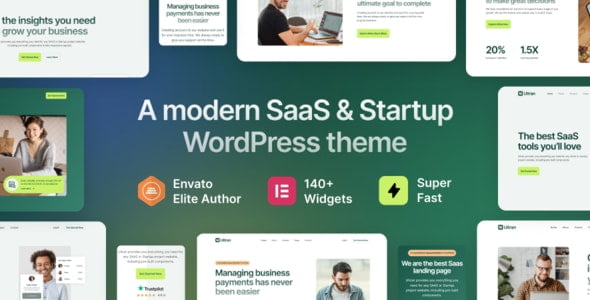
Ultran – SaaS & Startup WordPress Theme With Lifetime Update.
$8.90
| Features | Values |
|---|---|
| Version | v1.0.0 |
| Last Update | 10 August 2023 |
| Premium Features | Yes |
| Instant Installation Support | 24 Hrs. |
| Scanned By Virus Total | ✅ |
| Live Preview | 100% Working |
19
Items sold in last 3 minutes
286
People watching this product now!
Description
Ultran is a WordPress theme designed for startups and SaaS businesses, featuring compatibility with WordPress 6.1 and Elementor Page Builder. With Ultran, creating a website is effortless, thanks to its drag-and-drop interface. Choose from 20+ premade themes for quick customization.
Features:
- Best for SaaS, Startup, App, Software, Services, Agency etc
- 12+ Pre-made Landing Page Demos
- 34+ Premade Templates
- 40+ Custom Elementor Add-ons
- Advanced Header Footer Builder
- Advanced Mega Menu Builder
- Sticky Header Supported
- Dynamic Portfolio Builder
- One Click Demo Import
- Elementor – Drag and Drop Page Builder
- 100% SEO Friendly
- Contact Form 7 Supported
- MailChimp Integrated
- Faster Page Loading
- Modern & Minimal Layout
- Awesome jQuery Effects
- Lifetime Access
🌟100% Genuine Guarantee And Malware Free Code.
⚡Note: Please Avoid Nulled And GPL WordPress Themes.
Reviews (0)
Only logged in customers who have purchased this product may leave a review.
Installation Process


Certification




Reviews
There are no reviews yet.