
![Office 2021 Professional Plus For 5PC With Lifetime Update [Retail Online]](https://codecountry.net/wp-content/uploads/2024/06/Office-2021-Professional-Plus-For-5PC-With-Lifetime-Update-60x60.webp)


Office 2019 Home & Student For 1PC With Lifetime Official Updates.
$8.38
| Features | Values |
|---|---|
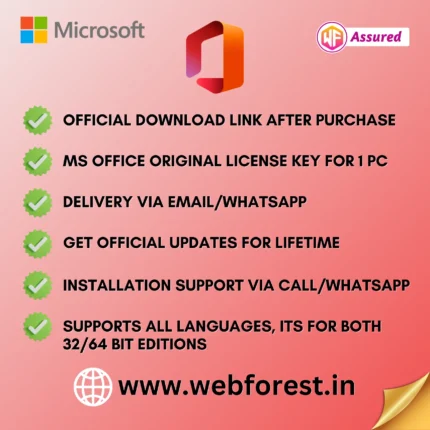
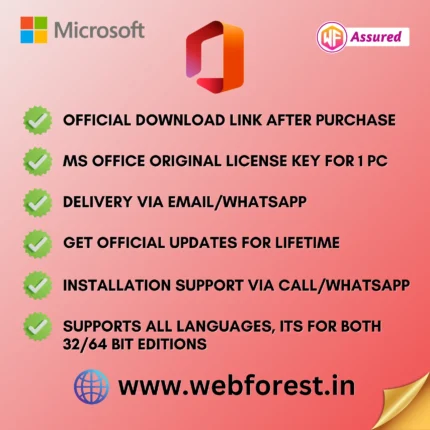
| Delivery | Via Email/WhatsApp |
| Included |
|
| Delivery | Within 2Hrs. |
| Support | 24/7 Live Chat |
| Update | Lifetime From Microsoft |
| Activation | Office 2019 Home & Student For 1PC |
For Pre-Sale Queries and Support Use WhatsApp Chat.
20
Items sold in last 3 minutes
381
People watching this product now!
Description
Office 2019 Home & Student For 1PC With Lifetime Official Updates.
Office Home and Student 2019 is designed for students and families who need the classic Office apps to get work done efficiently. This one-time purchase is installed on one PC and provides access to the essential tools you need for home and school projects.
Classic Office Apps:
- Word: Create and edit detailed documents with advanced editing and reviewing tools.
- Excel: Analyze and visualize your data with powerful features and functions.
- PowerPoint: Design impactful presentations with a wide range of templates and multimedia options.
Key Features:
- One-time purchase: A single purchase to install on one PC for lifetime use.
- Classic versions: Enjoy the full, installed versions of Word, Excel, and PowerPoint.
- Efficient tools: Tailored for productivity at home and school.
Elevate your productivity with Office Home and Student 2019, the essential suite for home and educational use.
Reviews (0)
Only logged in customers who have purchased this product may leave a review.
Installation Process


Certification











Reviews
There are no reviews yet.