


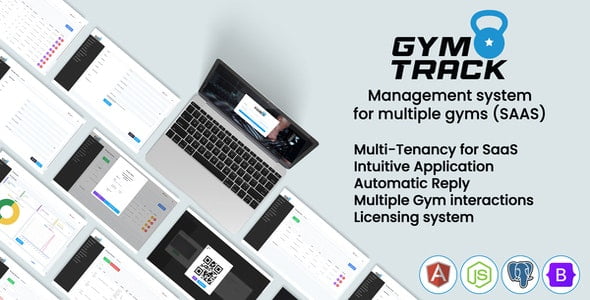
GymTrack 2.0 | Management System for Multiple Gyms (SAAS) With Lifetime Update.
$20.90
| Features | Values |
|---|---|
| Version | v2.0.0 |
| Last Update | 5 July 2023 |
| Premium Features | Yes |
| Instant Installation Support | 24 Hrs. |
| Scanned By Virus Total | ✅ |
| Live Preview | 100% Working |
15
Items sold in last 3 minutes
297
People watching this product now!
Description
GymTrack is a Multi-Tenant architecture web application focused on SAAS, which allows users to manage their gyms as well as manage memberships, clients, visits, payments, and more.
Features
- Multi-Tenant Architecture
- Authentication Integrated
- JWT Authentication
- Language system
- Validations
- SuperAdmin, Admin, Staff and Member Roles
- Licesing system
- Multiple Gym interactions
- Manage Members
- Manage Memberships
- Manage Visits
- Manage Payments
- Manage Licenses
- Automatic Email Notifications
- Intuitive Application
- Messenger Chat System
- Responsive Design
- General Settings
- Customizable
- Access Control
- RFID Integration
- Generator of QR Codes for Members
- Grapchs and Tables
- SendGrid Integration
- Real-time attendance registration screen
- Advanced Reports for Gyms
- Integration with Twilio for SMS notifications
- And more…
🌟100% Genuine Guarantee And Malware Free Code.
⚡Note: Please Avoid Nulled And GPL PHP Scripts.
Reviews (0)
Only logged in customers who have purchased this product may leave a review.
Installation Process


Certification








Reviews
There are no reviews yet.