


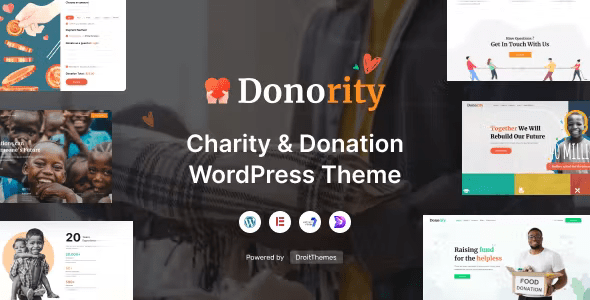
Donority – Charity & Donation WordPress Theme With Lifetime Update.
$13.90
| Features | Values |
|---|---|
| Version | v1.0.7 |
| Last Update | 25 April 2024 |
| Premium Features | Yes |
| Instant Installation Support | 24 Hrs. |
| Scanned By Virus Total | ✅ |
| Live Preview | 100% Working |
10
Items sold in last 3 minutes
343
People watching this product now!
Description
Donority – Charity & Donation WordPress Theme, is a brand new state-of-the-art non profit, NGO, fundraising WordPress theme, that is specifically designed and built from the ground up to suit and support every kind of humanitarian efforts.
Donority – Charity WordPress Theme Features
- Full Gutenberg editor compatibility
- WooCommerce supported
- WordPress 5.x compatible
- WPML full multilingual support
- Child Theme included
- Elementor Drag-n-Drop Page Builder
- Droit Addons for Elementor
- GiveWP – Donation Plugin Support
- Robust and solid user experiences (UX)
- State-of-the art visual design
- Clean, modern and beautiful design
- Well organized and powerful admin panel
- Powerful theme options
Page Included with Donority WordPress Theme
- 3 Home pages
- About Us
- Our Service
- Our Volunteer
- Team
- Our Mission
- Donor Wall
- FAQ
- Causes List
- Single Causes
- Shop Page
- Product Category
- Product Details
- Blog List
- Blog Details
- Case Study
- Contact
🌟100% Genuine Guarantee And Malware Free Code.
⚡Note: Please Avoid Nulled And GPL WordPress Themes.
Reviews (0)
Only logged in customers who have purchased this product may leave a review.
Installation Process


Certification










Reviews
There are no reviews yet.