


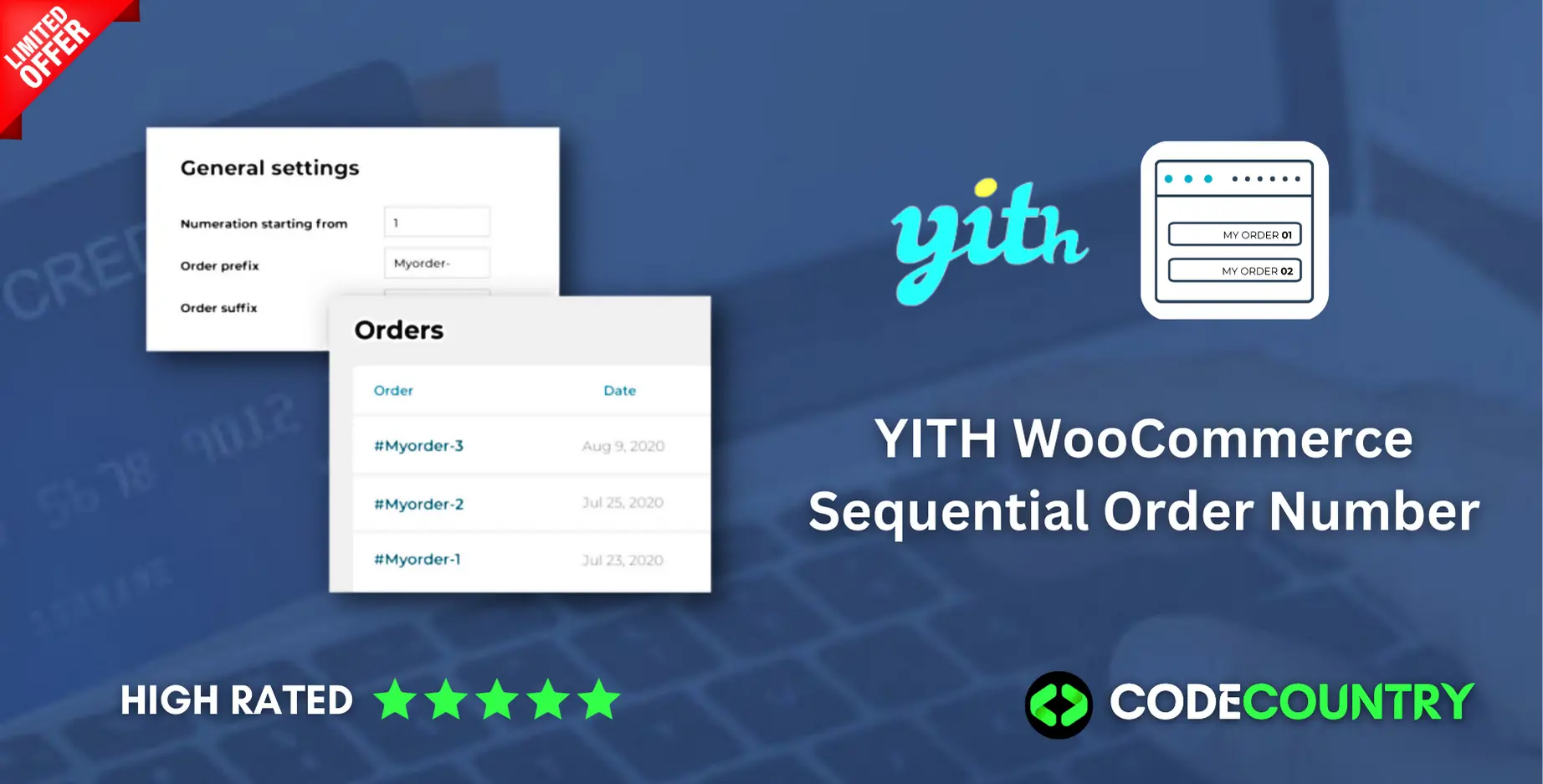
YITH WooCommerce Sequential Order Number WordPress Plugin With Lifetime Update
$13.00
YITH WooCommerce Sequential Order Number v1.22.0 WordPress Plugin With Lifetime Update
| Features | Values |
|---|---|
| Version | v1.22.0 |
| Last Update | 14, March 2023 |
| Documentation | Yes |
| All Premium Features | Yes |
| GPL/Nulled | No |
| Instant Installation Support | 24 Hrs. |
| Receive Updates on Email | Yes |
| Website Activation | 25 |
🌟100% Genuine Guarantee And Malware Free Code.
⚡Note: Please Avoid Nulled And GPL WordPress Plugin.
18
Items sold in last 3 minutes
254
People watching this product now!
Description
YITH WooCommerce Sequential Order Number WordPress Plugin With Lifetime Update
Optimize and simplify the orders management of your e-commerce using a sequential order numbering.
How you can benefit from it:
- You will be able to optimize and simplify the orders management of your e-commerce thanks to their sequential order numbering;
- The sequential order number will improve the orders section usability and will allow you to spot orders data more easily and quickly.
YITH WooCommerce Sequential Order Number Features.
- Choose the starting ID for your numeration
- Have a progressive numeration of your orders
- Separated management of free orders and quotes (available only if YITH WooCommerce Request a Quote is activated) New
- Add prefix and suffix to the order ID
- Use a different numeration for free orders
🌟100% Genuine Guarantee And Malware Free Code.
⚡Note: Please Avoid Nulled And GPL WordPress Plugin.
Reviews (0)
Only logged in customers who have purchased this product may leave a review.
Installation Process


Certification









Reviews
There are no reviews yet.