


YITH WooCommerce EU Energy Label WordPress Plugin With Lifetime Update
$7.90
YITH WooCommerce EU Energy Label v2.19.0 WordPress Plugin With Lifetime Update
| Features | Values |
|---|---|
| Version | v2.19.0 |
| Last Update | 21 March 2023 |
| Documentation | Yes |
| All Premium Features | Yes |
| GPL/Nulled | No |
| Instant Installation Support | 24 Hrs. |
| Receive Updates on Email | Yes |
| Website Activation | 25 |
🌟100% Genuine Guarantee And Malware Free Code.
⚡Note: Please Avoid Nulled And GPL WordPress Plugin.
19
Items sold in last 3 minutes
290
People watching this product now!
Description
YITH WooCommerce EU Energy Label WordPress Plugin With Lifetime Update
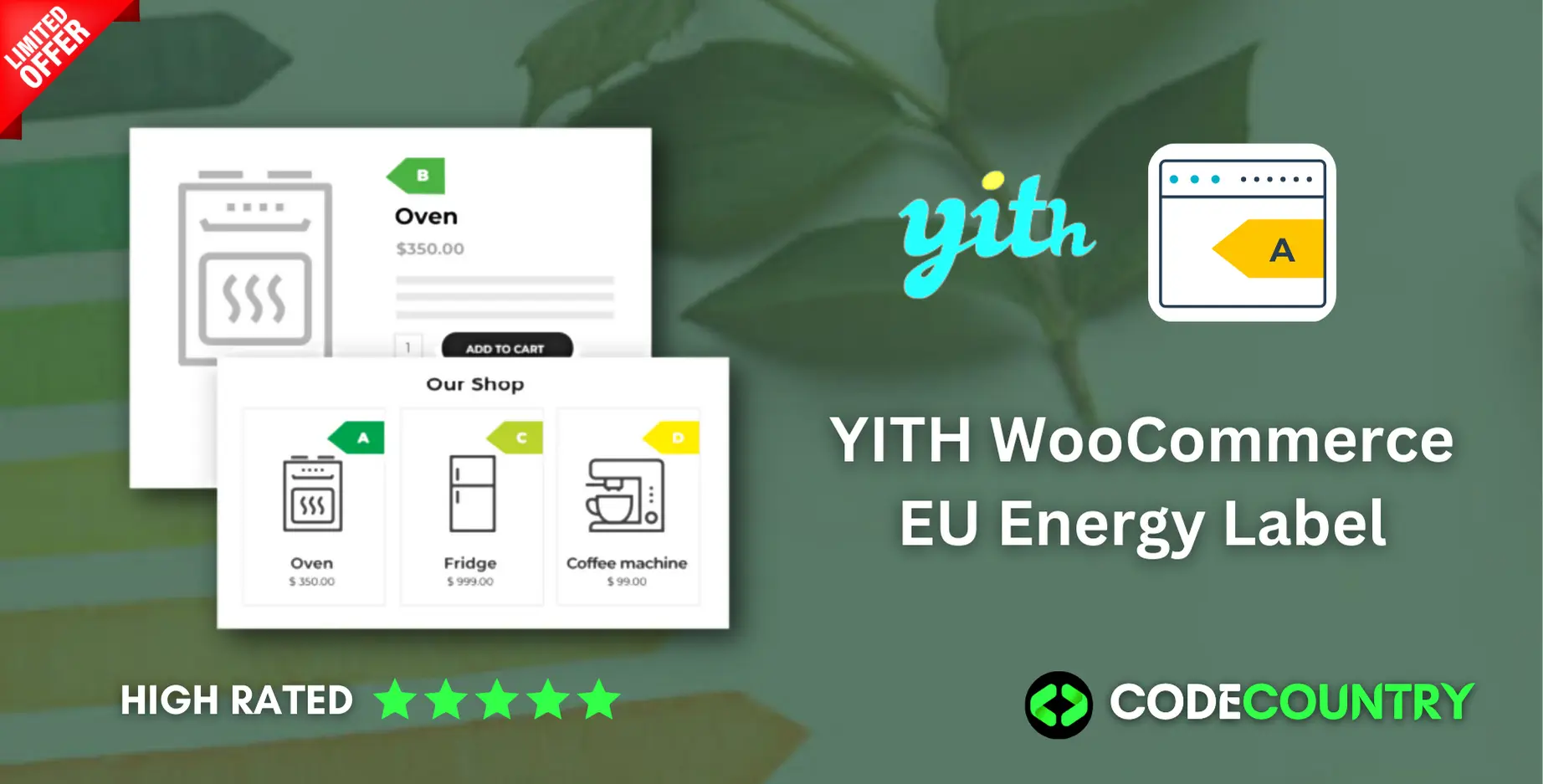
Show a clear and informative scheme about the energy consumption of your products.
How you can benefit from it:
- It allows you to be compliant with the European Law in an easy and quick way;
- It allows your customers to filter products by energy consumption and to make conscious purchases.
YITH WooCommerce EU Energy Label
- Add a label on your products with their energy class
- Possibility to bulk edit enery labels through WordPress bulk actions New
- Choose where you want to place the label
- Show the label in the single product page, or on the product thumbnails of the shop
- The label change its color according to the energy class
- Filter products by label
- Link the label to a customized URL
- Choose which image to show when the mouse is over the label
🌟100% Genuine Guarantee And Malware Free Code.
⚡Note: Please Avoid Nulled And GPL WordPress Plugin.
Reviews (0)
Only logged in customers who have purchased this product may leave a review.
Installation Process


Certification


Reviews
There are no reviews yet.