


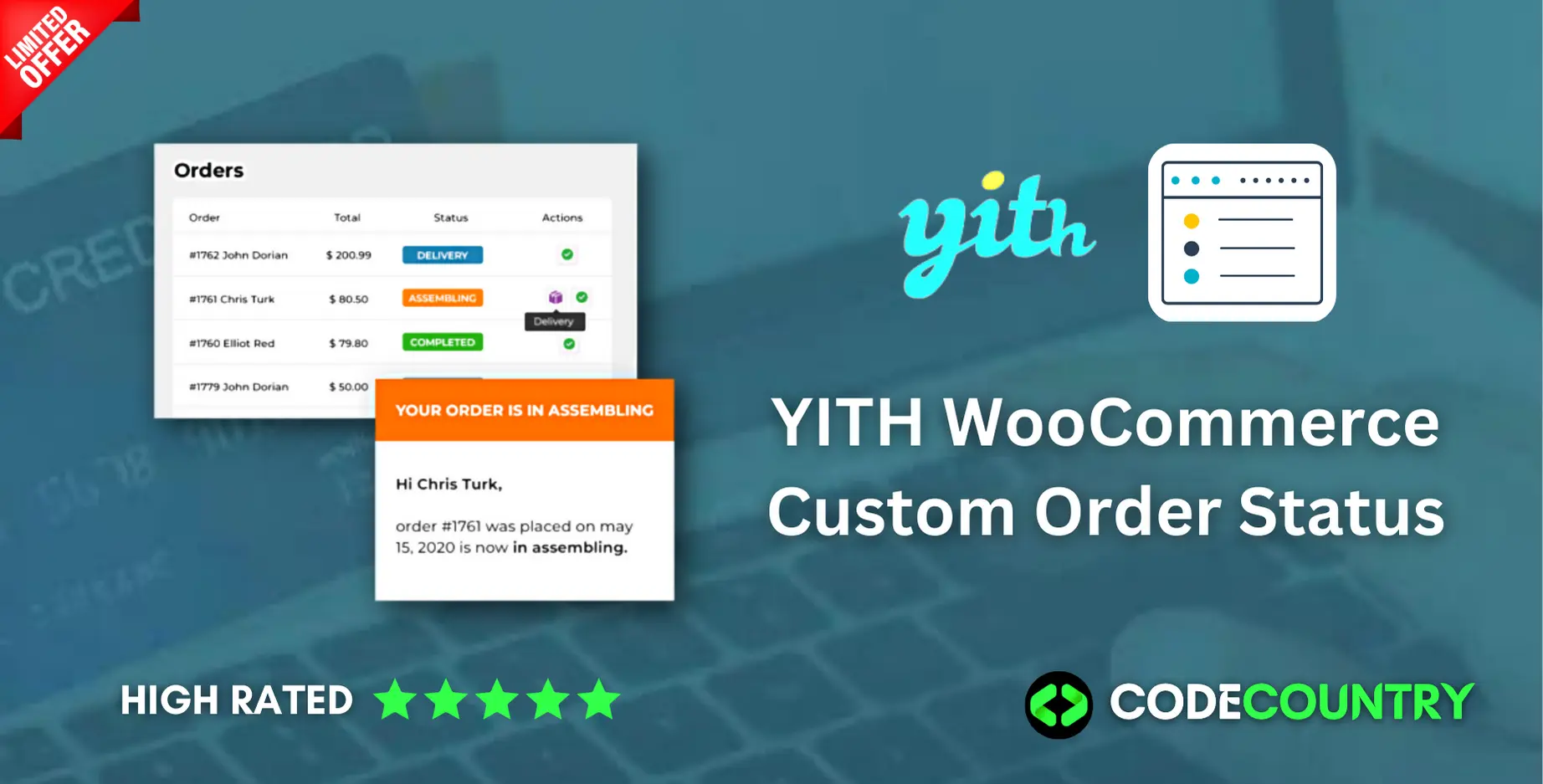
YITH WooCommerce Custom Order Status WordPress Plugin With Lifetime Update
$13.90
YITH WooCommerce Custom Order Status v1.21.0 WordPress Plugin With Lifetime Update
| Features | Values |
|---|---|
| Version | v1.21.0 |
| Last Update | 21, March 2023 |
| Documentation | Yes |
| All Premium Features | Yes |
| GPL/Nulled | No |
| Instant Installation Support | 24 Hrs. |
| Receive Updates on Email | Yes |
| Website Activation | 25 |
🌟100% Genuine Guarantee And Malware Free Code.
⚡Note: Please Avoid Nulled And GPL WordPress Plugin.
15
Items sold in last 3 minutes
149
People watching this product now!
Description
YITH WooCommerce Custom Order Status WordPress Plugin With Lifetime Update
Manage your order statuses in an advanced way and create custom labels for your orders.
How you can benefit from it:
- You will be able to create new, ad hoc, and unlimited custom order statuses according to your e-commerce requirements.
- You will be able to have advanced management and control of every order status, from the purchase to the delivery.
YITH WooCommerce Custom Order Status Features.
- Create countless order status, and identify them with unique names and colors
- Freedom to overwrite WooCommerce order status
- Identify each state with an icon or a textual label
- Chance to create a new order status for which you can choose what actions will follow
- For each status you can:
- allow the order cancellation
- allow the payment
- consider the order paid NEW
- let users download the associated files
- show orders with this status in WooCommerce reports
- restock items in the order
- show the status in the Actions column
- Customizable emails for all the custom status
- Import custom statuses from third-party plugins
- Integration with YITH WooCommerce Order Tracking
🌟100% Genuine Guarantee And Malware Free Code.
⚡Note: Please Avoid Nulled And GPL WordPress Plugin.
Reviews (0)
Only logged in customers who have purchased this product may leave a review.
Installation Process


Certification





Reviews
There are no reviews yet.