


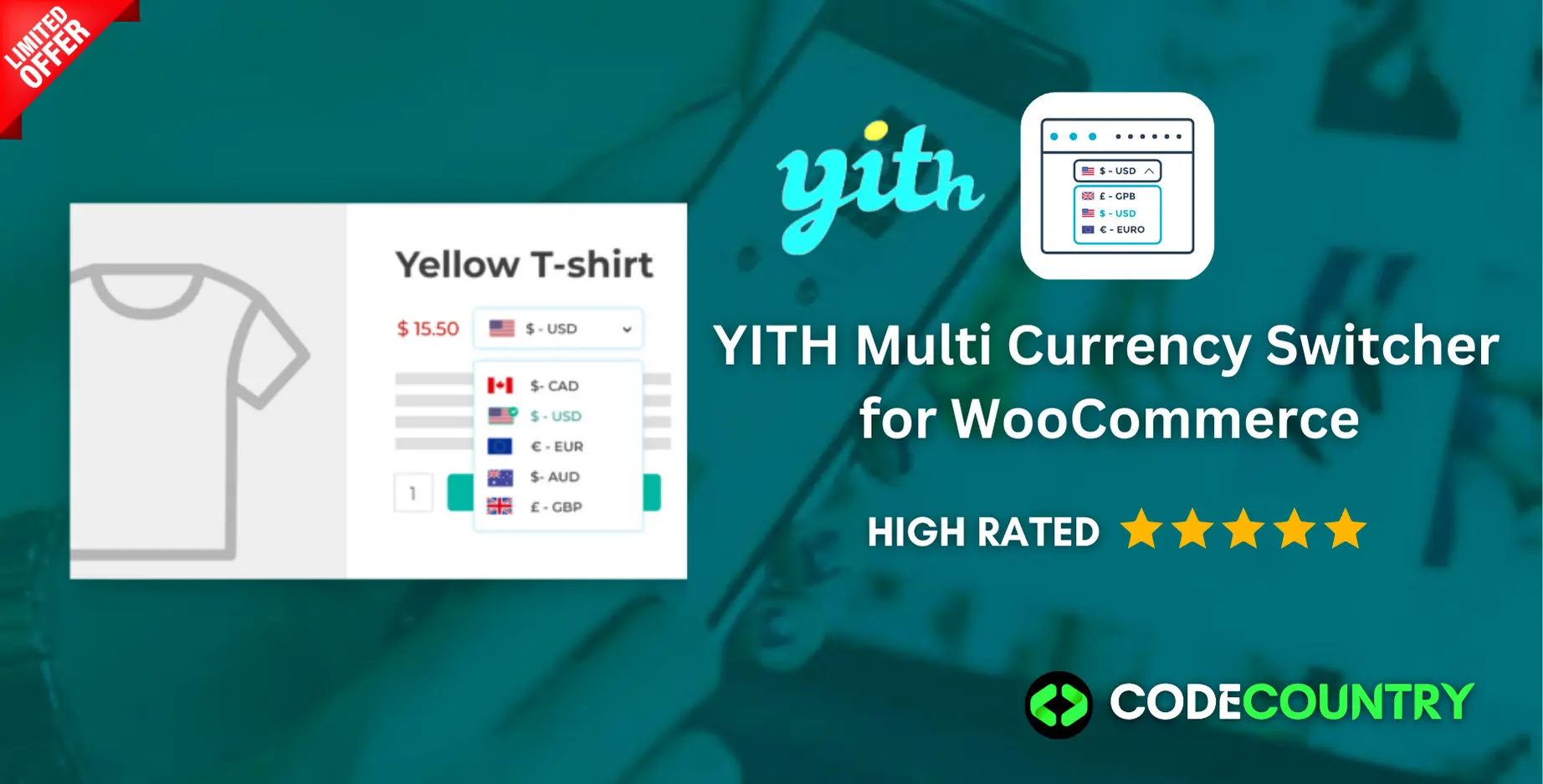
YITH Multi Currency Switcher for WooCommerce With Lifetime Update
$15.90
YITH Multi Currency Switcher v1.15.0 for WooCommerce With Lifetime Update
| Features | Values |
|---|---|
| Version | v1.15.0 |
| Last Update | January 3, 2023 |
| Documentation | Yes |
| All Premium Features | Yes |
| GPL/Nulled | No |
| Instant Installation Support | 24 Hrs. |
| Receive Updates on Email | Yes |
| Website Activation | 25 |
🌟100% Genuine Guarantee And Malware Free Code.
⚡Note: Please Avoid Nulled And GPL WordPress Plugin.
13
Items sold in last 3 minutes
260
People watching this product now!
Description
YITH Multi Currency Switcher for WooCommerce With Lifetime Update
What the plugin doesEnable a multi-currency system in your shop and allow users to see and pay for products in their own local currency
How you can benefit from it:
- Make your e-commerce store ready for international sales and add an unlimited number of currencies;
- Show a currency switcher everywhere on your site to allow users to see prices and pay in their favorite currency
- Geolocate users and automatically show prices in the currency of their origin country;
- Create custom rules to set which currencies need to be shown to users from specific countries;
- Hide specific payment methods to users who are paying in a specific currency;
- Set exchange rates manually or use the API to update them automatically from different sources (like the European Central Bank)
- Set optional exchange fees to cover the fees applied by the bank or by the money transfer operator;
YITH Multi Currency Switcher
- nable unlimited currencies and set the default one
- Enter a label to identify each currency
- Set the currency position and the thousand separator for each currency
- Set how many decimals to show and how to round them
- Choose to display a flag for the currency. You can use one of the icons included in the plugin or upload a custom one.
- Currencies rates
- Geolocation options
- Multi-currency options in products & coupons
- Multi-currency options in shipping costs
- Payment options
- Tools, shortcodes & widgets
🌟100% Genuine Guarantee And Malware Free Code.
⚡Note: Please Avoid Nulled And GPL WordPress Plugin.
Reviews (0)
Only logged in customers who have purchased this product may leave a review.
Installation Process


Certification





Reviews
There are no reviews yet.