


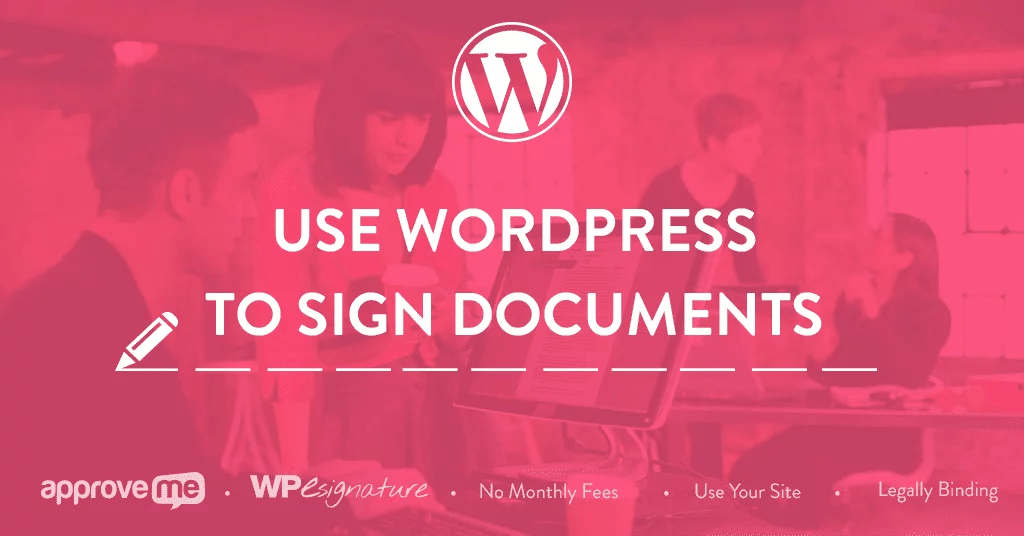
WP E-Signature 1.8.8 + Business Addon 1.8.7 With Lifetime Update.
$6.90
| Features | Values |
|---|---|
| Version | Pro v1.8.8 + Business v1.8.7 |
| Last Update | 27 February 2024 |
| All Premium Features | Yes |
| Instant Installation Support | 24 Hrs. |
| Scanned By Virus Total | ✅ |
| Live Preview |
| Developer |
WP E-Signature |
|---|
WP E-Signature 1.8.8 + Business Addon 1.8.7, the essential WordPress plugins that come with lifetime updates! Say goodbye to ongoing subscriptions and opt for a one-time purchase that keeps your website documents and contracts secure and up-to-date.
WP E-Signature, combined with the Business Addon, offers an easy and efficient way to manage electronic signatures, making it perfect for businesses of all sizes.
Keep your legal documents and contracts organized and accessible while ensuring they’re always current with regular updates.
Choose WP E-Signature and the Business Addon for a lifetime of hassle-free, legally compliant document management, without recurring costs. Start today and streamline your document signing process effortlessly!
Incuded File: 👇
- WP E-Signature 1.8.8
- Business Addon 1.8.7
WP E-Signature Plugin Features
- Contract Builder
- Custom Input Fields
- Save as PDF
- No Monthly Fees Per User
- Responsive & Mobile Friendly
- Unlimited Documents
- UETA/ESIGN Compliant
- Two Factor Verification
- Tamper-Resistant Technology
- Save a Tree. Eco-Friendly
- Online Signature Creator
🌟100% Genuine Guarantee And Malware Free Code.
⚡Note: Please Avoid Nulled And GPL WordPress Plugins.
Only logged in customers who have purchased this product may leave a review.








Reviews
There are no reviews yet.