


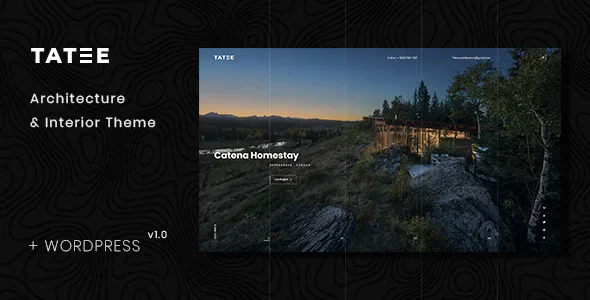
Tatee – Architecture and Building Business WordPress Theme With Lifetime Update.
$6.90
| Features | Values |
|---|---|
| Version | Latest |
| Last Update | 4 July 2024 |
| Premium Features | Yes |
| Instant Installation Support | 24 Hrs. |
| Scanned By Virus Total | ✅ |
| Live Preview | 100% Working |
Tatee is a clean and creative WordPress Theme suitable for Architecture, Interior Design, Home Decor, Decoration, Art Decor, Furniture, Business, Corporate, etc. You can customize it very easy to fit your needs.
Its just as easy to customize to fit your needs, replace images and texts. The WordPress theme is responsive, you can view it also in the mobile/tablets devices and it looks very in more devices.
We built this theme on Elementor, a very convenient drag-n-drop PageBuilder for WordPress. It should provide you with the smoothest experience while creating your website with our theme. The WordPress theme is responsive, you can view it also in the mobile/tablets devices and it looks very in more devices.
🌟100% Genuine Guarantee And Malware Free Code.
⚡Note: Please Avoid Nulled And GPL WordPress Themes.
Only logged in customers who have purchased this product may leave a review.











Reviews
There are no reviews yet.