


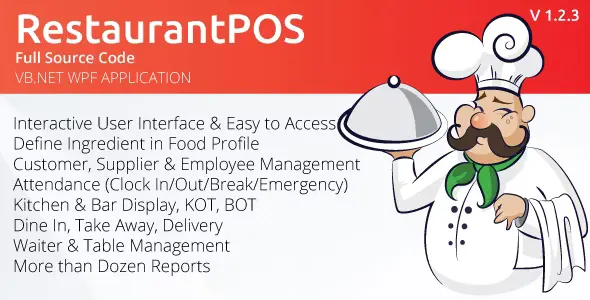
RestaurantPOS 1.1.1.3 VB.NET WPF Application With Free ASP.NET Web extension With Lifetime Update.
$6.90
| Features | Values |
|---|---|
| Version | v6.2.1 |
| Last Update | July 2, 2023 |
| Documentation | Yes |
| All Premium Features | Yes |
| GPL/Nulled | No |
| Instant Installation Support | 24 Hrs. |
| Receive Updates on Email | Yes |
| Website Activation | 25 |
🌟100% Genuine Guarantee And Malware Free Code.
⚡Note: Please Avoid Nulled And GPL PHP Script.
RestaurantPOS 1.1.1.3 is a powerful software designed for various food service businesses like restaurants, bars, and quick-service eateries.
This user-friendly application, built using VB.NET and WPF, ensures seamless management of transactions and accurate inventory control.
With its intuitive interface, it simplifies daily operations, making tasks more efficient. Additionally, it offers a free ASP.NET Web extension, enhancing its functionality and accessibility.
Whether you run a small café or a full-service restaurant, RestaurantPOS streamlines your business processes, allowing you to focus on delivering exceptional customer service.
RestaurantPOS 1.1.1.3 Features.
- Flexible Menu Management
- Business Information
- Dashboard
- Menu Management
- Powerful Searching Option
- Point of Sale (POS)
- Dine In, Take Away, Delivery
- Bill Hold and Recall
- Inventory auto deduction after Sale
- Discount and Service Charge Option Included
- CASH & CARD Payment Option Included
- Billing Management
- Sales Return
- Kitchen Order Taking (KOT) Process
- Bar Order Taking (BOT) Process
- Customer Management
- Supplier Management
- Employee Management
- Attendance System
- Clock In/Out, Break, Emergency Checkout
- Table Management
- User Management
- Multiple Users Login
- Auditing
- Daily Reporting
- Reports & Analytics
- Date wise, Customer wise Report View and Print
🌟100% Genuine Guarantee And Malware Free Code.
⚡Note: Please Avoid Nulled And GPL PHP Script.
Only logged in customers who have purchased this product may leave a review.












Reviews
There are no reviews yet.