


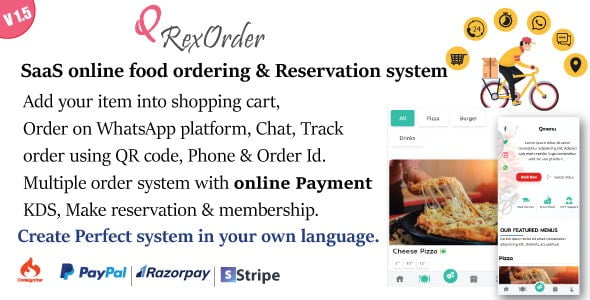
QrexOrder – SaaS Restaurant / QR Menu / WhatsApp Online ordering / Reservation system With [Extended License]
$49.90
| Features | Values |
|---|---|
| Version | v3.2.0 |
| Last Update | 13 April 2024 |
| Premium Features | Yes |
| Instant Installation Support | 24 Hrs. |
| Scanned By Virus Total | ✅ |
| Live Preview | 100% Working |
Introducing QRexOrder: A SaaS-based multi-restaurant food ordering & reservation system with payment gateways. Secure, well-documented, fast, and user-friendly, it simplifies restaurant website management and online food ordering, reservation, and delivery.
Features:
– Order placement for cash-on-delivery or booking with available days
– Downloadable QR code or WhatsApp ordering
– Order tracking via QR code, order ID, or phone number
– Reservation system for events like weddings, birthday parties, etc.
– Landing pages and essential pages included
– Compatible with PayPal, Stripe, and Razorpay
– Built with CodeIgniter 3.7 and Bootstrap
– Responsive admin and user panels for easy management without coding
🌟100% Genuine Guarantee And Malware Free Code.
⚡Note: Please Avoid Nulled And GPL PHP Scripts.
Only logged in customers who have purchased this product may leave a review.











Reviews
There are no reviews yet.