


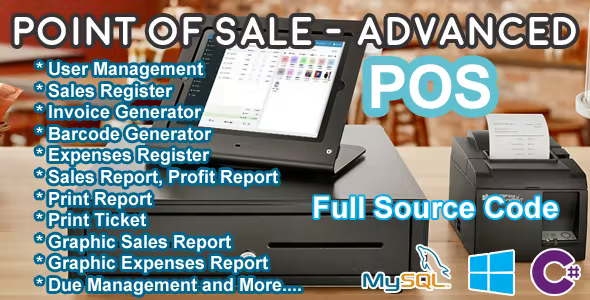
Point Of Sale (POS) – Advanced – C# MySQL With Lifetime Update.
$16.90
| Features | Values |
|---|---|
| Version | Latest |
| Last Update | 14 December 2019 |
| Premium Features | Yes |
| Instant Installation Support | 24 Hrs. |
| Scanned By Virus Total | ✅ |
| Live Preview | 100% Working |
Here’s a more concise summary of the features you outlined:
1. **User Management**: Admin and Employee access levels with defined privileges.
2. **Category Management**: Create, Update, Show, and Delete categories.
3. **Item Management**: Create, Update, Show, and Delete items with details like code, name, purchase price, sale price, quantity, and image.
4. **Barcode Support**: Integration with barcode readers for efficient inventory management.
5. **Expense Tracking**: Record and manage expenses.
6. **Customer Management**: Automated registration and filtering of customers.
7. **Reset Functionality**: Reset sales, expenses, and customer registration records.
8. **Sales Registration**: Easy registration of sales, including options for debt sales.
9. **Debt Management**: Track and manage customer debts, including complete debt reconciliation.
10. **Barcode Generation**: Generate barcodes for items.
11. **Sales Reporting**: Generate reports on daily sales, sales within date ranges, sales details, and debt reports.
This condensed version provides a clear overview of the system’s functionalities without going into excessive detail.
🌟100% Genuine Guarantee And Malware Free Code.
⚡Note: Please Avoid Nulled And GPL PHP Scripts.
Only logged in customers who have purchased this product may leave a review.










Reviews
There are no reviews yet.