


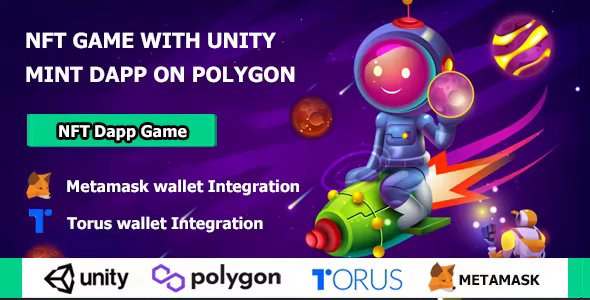
NFT Doge – NFT Mint & Trade Dapp Game on Polygon With Lifetime Update.
$19.90
| Features | Values |
|---|---|
| Version | Latest |
| Last Update | 13 January 2022 |
| Premium Features | Yes |
| Instant Installation Support | 24 Hrs. |
| Scanned By Virus Total | ✅ |
| Live Preview | 100% Working |
Check out our latest creation: NFT Doge – a cutting-edge Dapp game that combines the power of Unity with blockchain technology. But before you dive in, make sure you’re comfortable with console (bash), GIT, Node.js, Unity, and Solidity for smart contracts.
NFT Doge isn’t just another game – it’s a gateway to the world of NFTs (non-fungible tokens). These digital assets are revolutionizing online transactions, offering unique and irreplaceable items stored securely on the blockchain.
Here’s what you can expect from NFT Doge:
1. **Metamask and Torus Integration:** Seamlessly connect your digital wallets to send, receive, and store assets like Ether and trade NFTs within the game.
2. **Unique NFT Experience:** Each NFT in the game is one-of-a-kind, with its own distinct characteristics and ownership history recorded on the blockchain.
3. **Interactive Interface:** Dive deep into the world of NFTs with an intuitive interface that guides you through the buying process and provides detailed information about each digital asset.
Whether you’re a seasoned blockchain enthusiast or a newcomer to the world of NFTs, NFT Doge offers an engaging and immersive experience that will expand your understanding of digital ownership and decentralized finance.
Game features
- Smart contract Developed with Solidity
- Creative Dapp Game
- NFT Trading on Polygon Network
- Build with the most powerfull game engine (Unity)
- Metamask Wallet Integration
- Torus Wallet Integration
- Purchase NFT with Torus Wallet
- Clean Code
- Life Time Free Update
- Best Developer Experience
- and Much More…
🌟100% Genuine Guarantee And Malware Free Code.
⚡Note: Please Avoid Nulled And GPL PHP Scripts.
Only logged in customers who have purchased this product may leave a review.










Reviews
There are no reviews yet.