


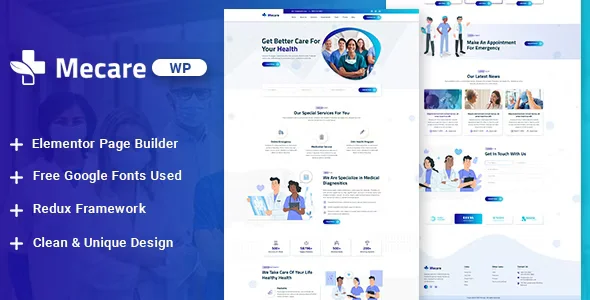
Mecare – Hospital and Health WordPress Theme With Lifetime Update.
$6.90
| Features | Values |
|---|---|
| Version | Latest |
| Last Update | 12 march 2024 |
| Premium Features | Yes |
| Instant Installation Support | 24 Hrs. |
| Scanned By Virus Total | ✅ |
| Live Preview | 100% Working |
19
Items sold in last 3 minutes
190
People watching this product now!
Description
Mecare is a WordPress theme designed for hospitals, clinics, dentists, and medical businesses. Tailored through in-depth research on the health and insurance industries, it aims to boost your business with a modern design. Built on the Elementor drag-and-drop PageBuilder, Mecare offers a seamless experience in creating your site. The theme is fully responsive, ensuring it looks great on all devices, from desktops to mobiles and tablets.
🌟100% Genuine Guarantee And Malware Free Code.
⚡Note: Please Avoid Nulled And GPL WordPress Plugin.
Reviews (0)
Only logged in customers who have purchased this product may leave a review.
Installation Process


Certification










Reviews
There are no reviews yet.