


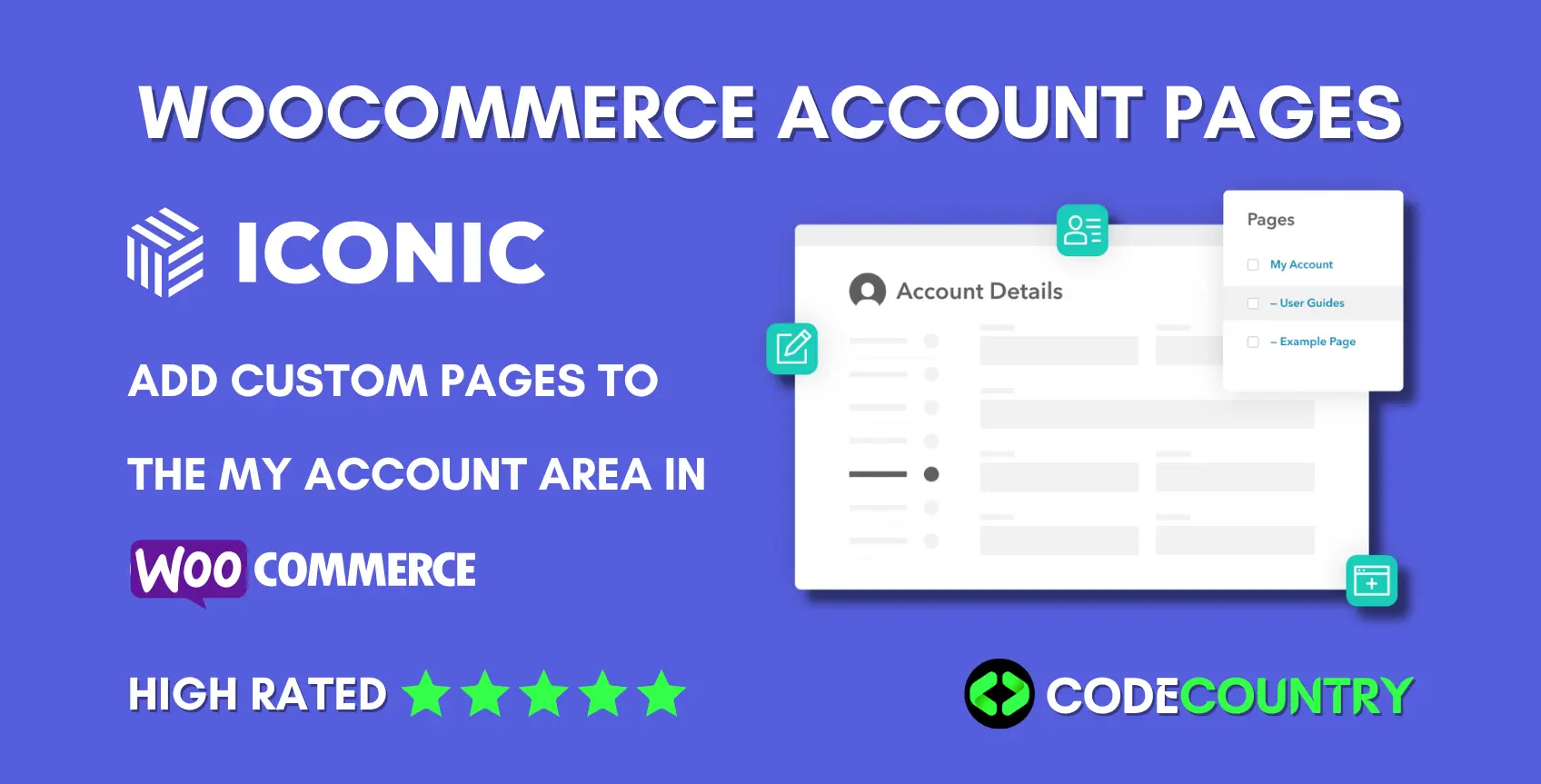
Iconic WooCommerce Account Pages 1.4.0 With Lifetime Update.
$6.90
| Features | Values |
|---|---|
| Version | v1.4.0 |
| Last Update | 17 April 2024 |
| Premium Features | Yes |
| Instant Installation Support | 24 Hrs. |
| Scanned By Virus Total | ✅ |
| Live Preview | 100% Working |
15
Items sold in last 3 minutes
241
People watching this product now!
Description
WooCommerce Account Pages. Add Custom Pages to the My Account Area in WooCommerce. Add custom pages and tabs to the My Account page in WooCommerce with the plugin WooCommerce Account Pages.
Iconic WooCommerce Account Pages Features.
- With WooCommerce Account Pages, you can create as many custom pages as you like, giving you full control over your WooCommerce account page.
- Adding a new tab to the My Account page in WooCommerce is as easy as adding a new page in WordPress, no hassle, no fuss.
- Because each new page is created using WordPress, you can add anything you would normally add to a blog post or page, to the “My Account” area. You don’t need to learn anything new to get started.
- You can add anything from an FAQ section, user guides, contact forms, coupons, and more using existing shortcodes in WordPress. You don’t have to create anything from scratch.
- WooCommerce Account Pages is fully compatible with Gutenberg to make it easy for you to create custom layouts.
🌟100% Genuine Guarantee And Malware Free Code.
⚡Note: Please Avoid Nulled And GPL WordPress Plugins.
Reviews (0)
Only logged in customers who have purchased this product may leave a review.
Installation Process


Certification








Reviews
There are no reviews yet.