


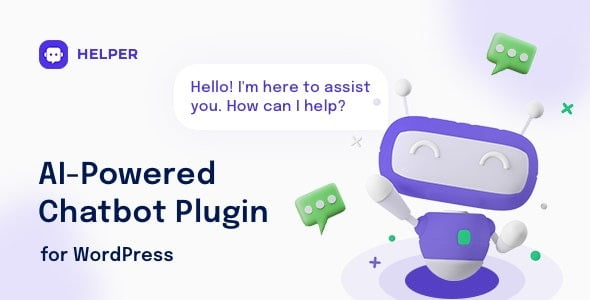
Helper 1.0.9 OpenAI Chatbot for WordPress With Lifetime Update.
$6.90
| Features | Values |
|---|---|
| Version | v1.0.27 |
| LastUpdate | 27 December 2024 |
| Documentation | Yes |
| All Premium Features | Yes |
| GPL/Nulled | No |
| Instant Installation Support | 24 Hrs. |
| Receive Updates on Email | Yes |
| Website Activation | 25 |
12
Items sold in last 3 minutes
119
People watching this product now!
Description
Helper 1.0.9 OpenAI Chatbot for WordPress is a fast and easy-to-add Chatbot WordPress plugin that supports regular and AI Bot types.
The AI Chatbot is powered by OpenAI GPT-3 (ChatGPT) and easily integrates into your site without any special technical knowledge.
It can efficiently handle questions related directly to your website content or products, provide personalized responses, and resolve common issues, reducing the need for human intervention. This leads to enhanced customer satisfaction and a positive user experience.
Reviews (0)
Only logged in customers who have purchased this product may leave a review.
Installation Process


Certification



Reviews
There are no reviews yet.