


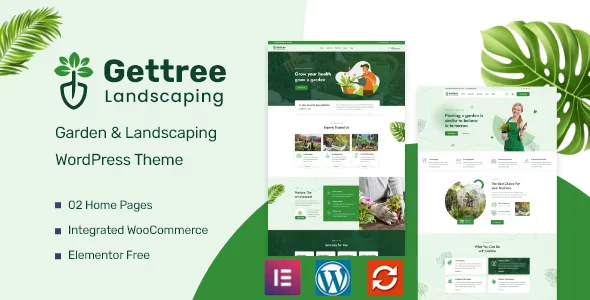
Gettree – Garden & Landscaping WordPress Theme With Lifetime Update.
$6.90
| Features | Values |
|---|---|
| Version | 1.1.6 |
| Last Update | 1096. July 2024 |
| Premium Features | Yes |
| Instant Installation Support | 24 Hrs. |
| Scanned By Virus Total | ✅ |
| Live Preview | 100% Working |
Gettree is a WordPress theme designed for gardening and related services, perfect for gardening, landscape, decoration, and lawn service websites. It features two clean homepage layouts, two header styles, and over 16 inner pages. WooCommerce is integrated for easy e-commerce setup.
With just a few updates to your email logo, business name, and phone number, you can create a complete, SEO-optimized, and fast-loading website for garden and landscaping services. Built on Elementor, the leading page builder, Gettree offers a beautiful and unique design, allowing you to easily customize your site to your liking.
Gettree is user-friendly and optimized for SEO, ensuring the best on-page optimization and landing page experience without additional effort.
🌟100% Genuine Guarantee And Malware Free Code.
⚡Note: Please Avoid Nulled And GPL WordPress Themes.
Only logged in customers who have purchased this product may leave a review.












Reviews
There are no reviews yet.