


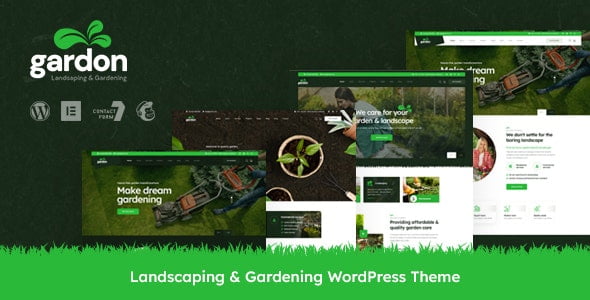
Gardon – Landscaping & Gardening WordPress Theme With Lifetime Update.
$7.90
| Features | Values |
|---|---|
| Version | v1.0 |
| Last Update | 4 July 2023 |
| Premium Features | Yes |
| Instant Installation Support | 24 Hrs. |
| Scanned By Virus Total | ✅ |
| Live Preview | 100% Working |
17
Items sold in last 3 minutes
282
People watching this product now!
Description
Gardon is a versatile WordPress theme tailored for landscaping and gardening businesses. Perfect for landscapers, garden designers, and lawn care services, it’s designed to showcase your work beautifully.
Features
- Includes 3 Home versions
- Includes 3 One Page versions
- Includes 30+ Inner pages
- Includes Dark versions
- Easy Installation and Setup with Demo Content Import
- Live Customizer Options
- WooCommerce Compatibility
- RTL Compatibility
- Child Theme Added
- SVG Icon Supported
- Mailchimp Integrated
- Includes Megamenu styles
- Header/Footer Builder with Elementor
- Includes Swiper, OwlCarousel Slider
- Valid HTML5 / CSS3
- CSS3 Animations
- Advance Bootstrap 5.x Framework
- Truly SEO Optimized Code
- Cross Browser Compatibility
- W3C Validate Code
- Fully Responsive
- Extensive Documentation
- Fully customisable & Easy to modify
- Free quick support
- All files are well commented
🌟100% Genuine Guarantee And Malware Free Code.
⚡Note: Please Avoid Nulled And GPL WordPress Themes.
Reviews (0)
Only logged in customers who have purchased this product may leave a review.
Installation Process


Certification










Reviews
There are no reviews yet.