


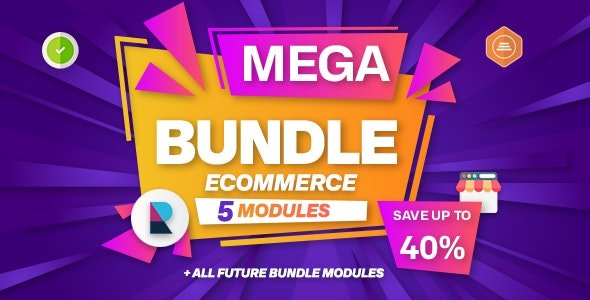
E-commerce Business Modules Bundle for Perfex CRM With Lifetime Update.
$40.00
| Features | Values |
|---|---|
| Version | v1.0.0 |
| Last Update | 14 March 2024 |
| Premium Features | Yes |
| Instant Installation Support | 24 Hrs. |
| Scanned By Virus Total | ✅ |
| Live Preview | 100% Working |
Included Modules in the Business Bundle:
1. Mailbox: A webmail-based email client module for Perfex CRM. It allows staff members to manage their emails (send/receive/draft/organize) from their IMAP accounts within the Perfex CRM dashboard.
2. REST API: Enables REST API functionality in Perfex CRM, allowing remote control of the installation, building third-party connections, and accessing real-time information.
3. Facebook Leads: Syncs Facebook Leads from your Facebook page’s forms with Perfex CRM Leads, facilitating seamless integration.
4. Perfex Shop: Enables the sale of products and services through the Customers Area, with support for POS and Inventory Management. Also includes powerful reporting capabilities.
5. QuickBooks: Automatically synchronizes Invoices, Payments, and Expenses with QuickBooks, streamlining financial management processes.
🌟100% Genuine Guarantee And Malware Free Code.
⚡Note: Please Avoid Nulled And GPL PHP Scripts.
Only logged in customers who have purchased this product may leave a review.










Reviews
There are no reviews yet.