


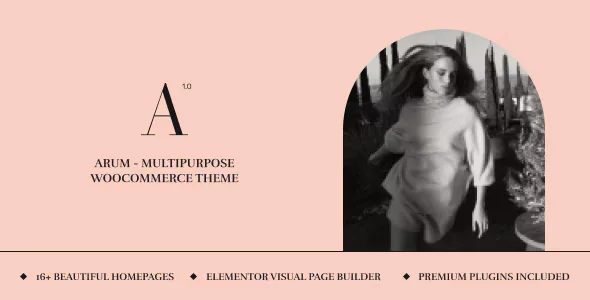
Arum – Multipurpose WooCommerce Theme With Lifetime Update.
$6.90
| Features | Values |
|---|---|
| Version | 1.2.6 |
| Last Update | 10 aUJUST 2024 |
| Premium Features | Yes |
| Instant Installation Support | 24 Hrs. |
| Scanned By Virus Total | ✅ |
| Live Preview | 100% Working |
14
Items sold in last 3 minutes
320
People watching this product now!
Description
Arum is a versatile eCommerce WordPress theme suitable for various online stores, including fashion, electronics, and more. Key features include:
- Elementor Integration: Easy, real-time design with drag-and-drop.
- Customizable Headers & Footers: Flexible layout options.
- Portfolio Layouts: Grid, metro, and carousel styles.
- 70+ Pre-designed Elements: For seamless customization.
- Ajax Cart: Manage cart items without page reloads.
- Fully Responsive: Looks great on all devices.
- Template Library: Save, export, and reuse designs.
- One-Click Demo Importer: Quick setup with demo content.
- No Coding Required: Build your site with extensive options.
- Revolution Slider: Included for creating dynamic slideshows.
Arum provides a complete toolkit for building a stylish and functional online store.
.
🌟100% Genuine Guarantee And Malware Free Code.
⚡Note: Please Avoid Nulled And GPL WordPress Themes.
Reviews (0)
Only logged in customers who have purchased this product may leave a review.
Installation Process


Certification










Reviews
There are no reviews yet.