


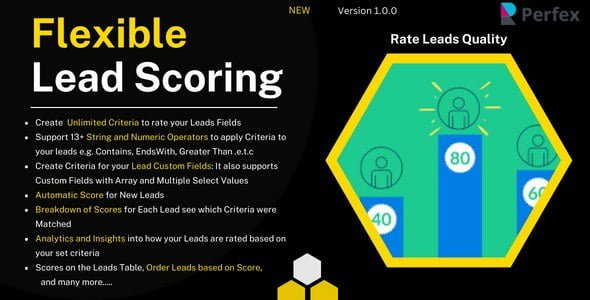
Flexible Lead Scoring and Lead Rating Module for Perfex With Lifetime Update.
$9.90
| Features | Values |
|---|---|
| Version | v1.0.1 |
| Last Update | 01 February 2024 |
| Premium Features | Yes |
| Instant Installation Support | 24 Hrs. |
| Scanned By Virus Total | ✅ |
| Live Preview | 100% Working |
Our Lead Scoring Module allows you to prioritize leads based on criteria that matter most to your business. With leads coming in from various sources like Facebook, Google, and events, it’s essential to recognize that not all leads require the same level of attention.
You can create an Ideal Personal Profile tailored to your business needs, such as leads from specific cities, individuals with titles like Dr., or those with business email addresses. Utilize the Flexible Lead Scoring Criteria feature to filter and prioritize leads, ensuring that you target the most valuable ones effectively.
FEATURES
- Create Criteria for Leads Fields e.g Name, City, Address e.t.c
- Support 14 Operators so you can Apply Strings and Numeric Operators For example, Check if Address that Contains any Text or Starts With or Ends With or IS EMPTY e.t.c
- Create Criteria for your Leads Custom fields. It also supports Array/Multiple Select Fields
- Apply Criteria to your Leads Records to calculate Lead score
- Automatic Score Calculate for New Leads
- See Breakdown of Scores and Which Criteria was applied for each Lead
- Order Leads based on Scores on the Leads Table e.g ASC or DESC
- Insights and Analytics of your Lead Score based on your Score Criteria
🌟100% Genuine Guarantee And Malware Free Code.
⚡Note: Please Avoid Nulled And GPL PHP Scripts.
Only logged in customers who have purchased this product may leave a review.












Reviews
There are no reviews yet.