


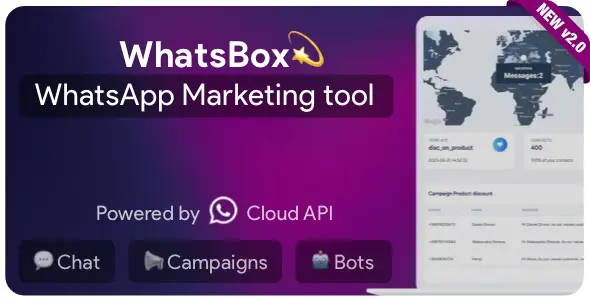
WhatsBox – The WhatsApp Marketing – Bulk Sender, Chat, Bots, SaaS With Lifetime Update.
$19.90
| Features | Values |
|---|---|
| Version | v 2.1.0 |
| Last Update | 26 March 2024 |
| Premium Features | Yes |
| Instant Installation Support | 24 Hrs. |
| Scanned By Virus Total | ✅ |
| Live Preview | 100% Working |
13
Items sold in last 3 minutes
129
People watching this product now!
Description
WhatsBox – The WhatsApp Marketing – Bulk Sender, Chat, Bots, SaaS – is one of a kind script that you can use to automate your WhatsApp marketing, offer support, and interact with your clients even when you are not available, using reply bots.
WhatsBox PHP Scripts Features
- Email marketing is Whatsapp marketing
Whatsapp Marketing is a new fields in Direct Marketing. Experience around 98% read rate on your campaigns and never fear your account to get blocked from Whatsapp. - Chat with your contacts
Here, you will find fully featured chat system, from where you can send docs, images, fast replies, and rich message templates. Offer manual and automated support via the reply bot triggered by the client message. - AI Chat
Engage with your customers using our AI chat feature. It can handle common queries, provide information, and direct the conversation to a human operator if needed. Improve your customer service with our AI chat.
🌟100% Genuine Guarantee And Malware Free Code.
⚡Note: Please Avoid Nulled And GPL PHP Scripts.
Reviews (0)
Only logged in customers who have purchased this product may leave a review.
Installation Process


Certification








Reviews
There are no reviews yet.